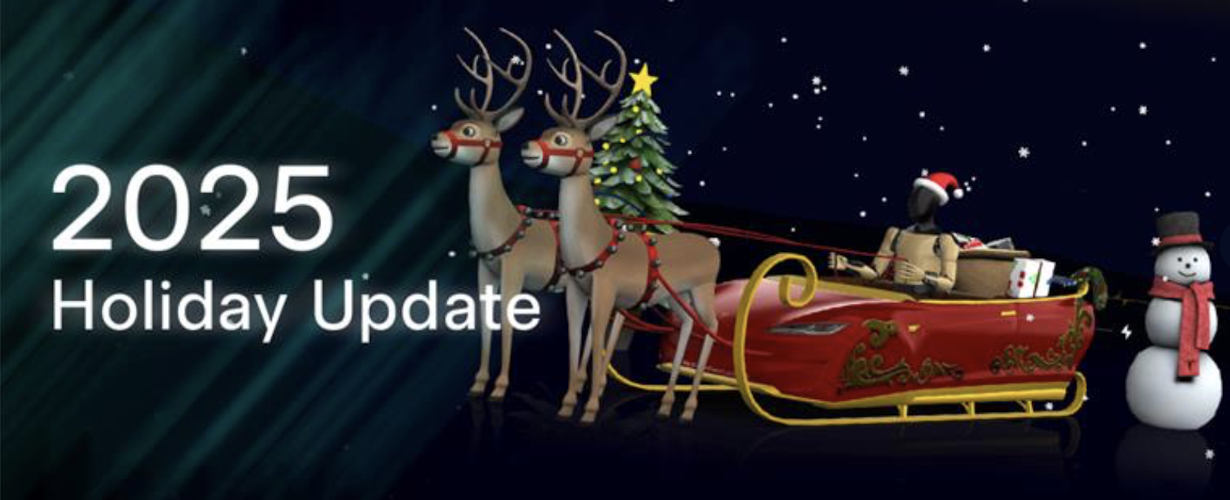
The 2025 Holiday Update is here!
As is tradition at year-end, Tesla has begun rolling out its massive holiday software update, version 2025.44.25.1. This year the company focused on deeper Grok AI integration, fun with a Photobooth, and improved environment visualization.
Grok with Navigation Commands (Beta)
Grok AI takes a big step forward. If you set Grok's personality to "Assistant", it can take over your navigation. You can ask it to add stops, change the destination, or find alternate routes using natural language — turning it into a true intelligent copilot.
- Tesla Photobooth
Turn your car into a photo studio. The new Photobooth app in Toybox uses the cabin camera for selfies with fun filters, stickers, and emojis. You can also share photos directly from the Tesla mobile app.
Santa Mode: Optimus Edition
The classic "Santa Mode" has been refreshed. 3D visualizations now include festive snowmen, decorated trees, and more realistic snow effects. The quirkiest change is the driver: Santa Claus is now an Optimus robot wearing a holiday hat — a nod to the company's robotics progress.
Safety and Utility Improvements
- Dog Mode Live Activity: On iPhone, you can now see a Live Activity on your lock screen with real-time cabin temperature updates and periodic photos of your pet.
- Improved Dashcam: The Dashcam viewer now overlays critical data such as speed, steering angle, and Autopilot/FSD status on recorded clips.
- 3D Superchargers: As you approach a Supercharger, the map shows a 3D bird's-eye view indicating exactly which stalls are occupied and which are free.
Other Highlights
- Forgotten Phone Alert: The car will alert you if it detects you left your phone on the wireless charger when you exit.
- SpaceX Docking Simulator: A new game replacing Boomerang Fu, letting you simulate Dragon docking with the ISS.
Sources consulted
References consulted when creating this article:
chat_bubble Comentarios
Inicia sesión para comentar
Iniciar Sesión